
Digital games
How to Use HTML Games in the ESL Classroom
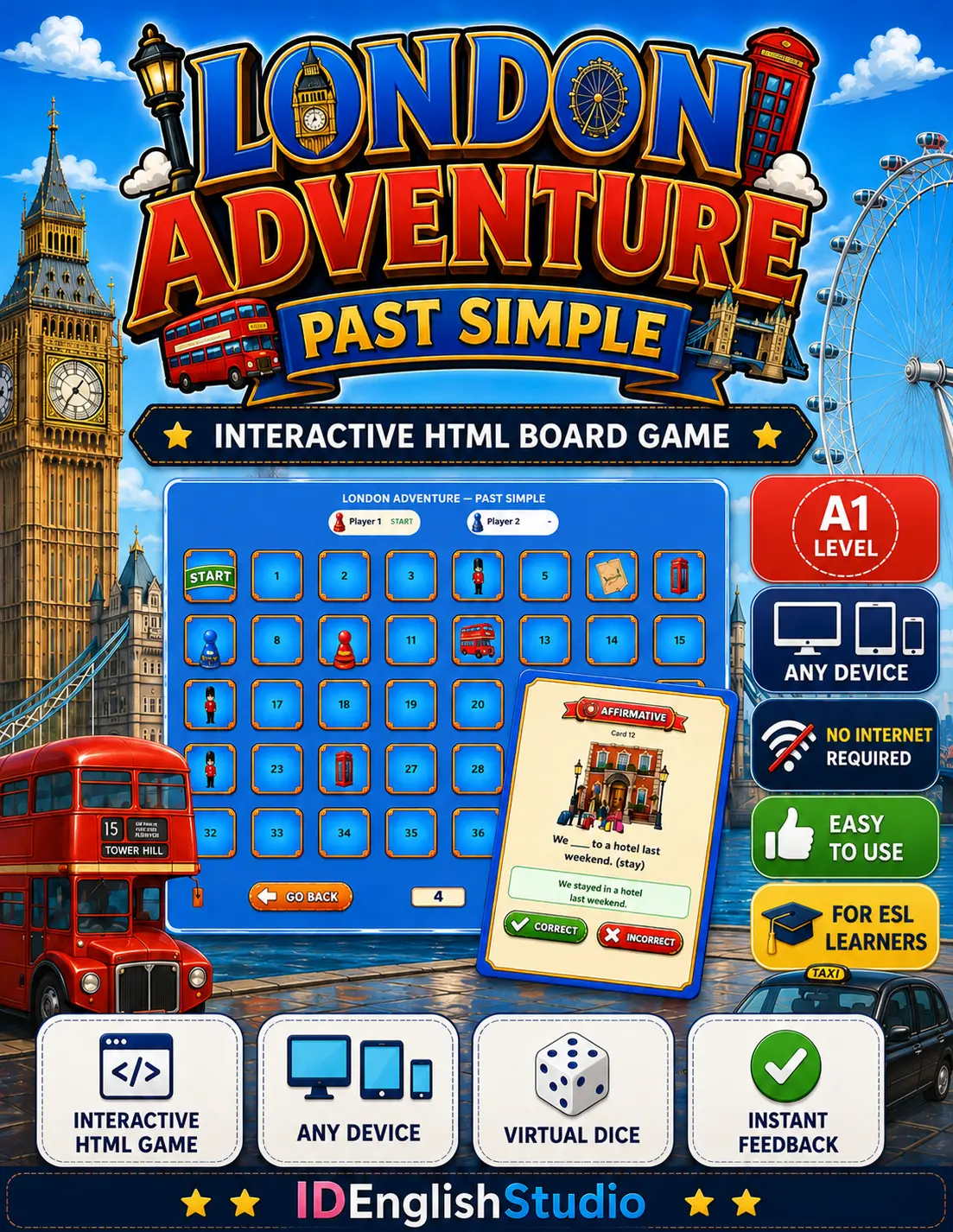
An HTML game is simply a file that opens in a web browser. It can work on a laptop, interactive whiteboard, tablet or phone without a special account.
Open the game
Download the file, keep it in an easy-to-find folder and open it with Chrome, Edge, Safari or another modern browser.
Choose the setup
For groups, display the game on one shared screen. For individual lessons, let the learner control the turns while you focus on feedback.
Keep the language central
Ask for complete answers and follow-up questions. The screen manages the game, while the teacher manages the speaking.
Put the idea into practice
Browse the ESL game library and choose a resource for your next lesson.
Explore games